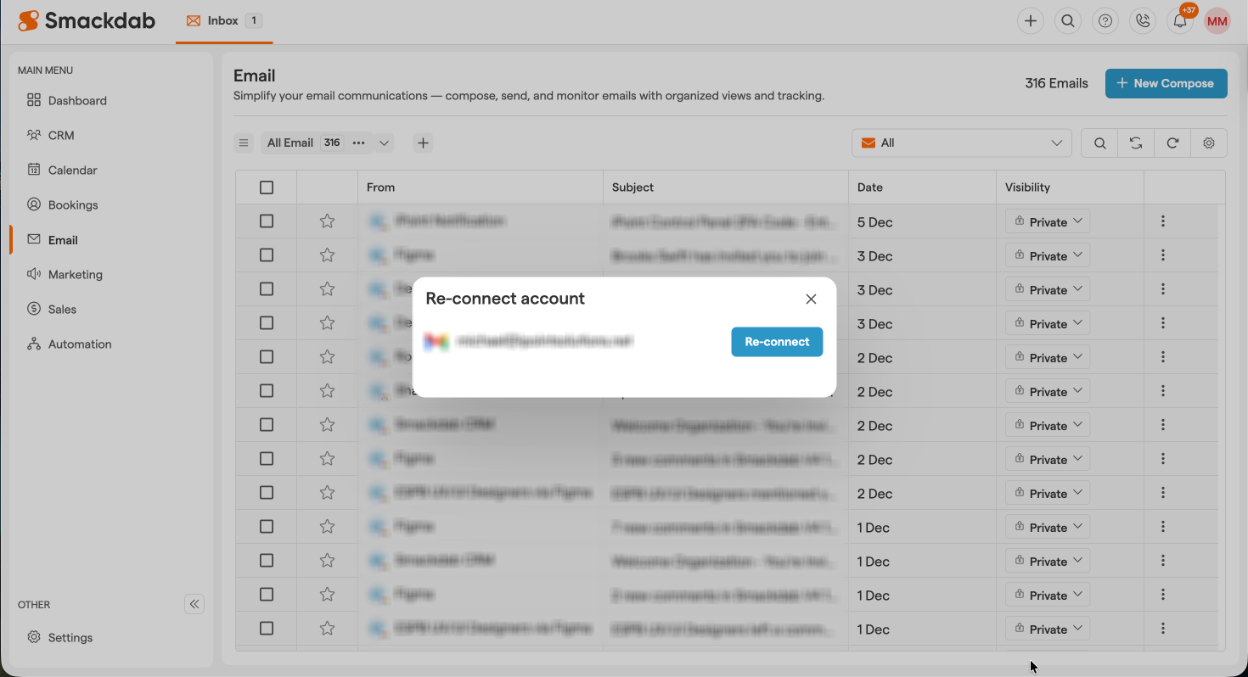
Keeping your email connected in Smackdab.ai ensures seamless communication and uninterrupted workflow.
If your email connection expires due to privacy compliance or security reasons, you’ll need to reconnect it.
Smackdab.ai makes it easy to restore access in just a few clicks, so you can continue sending, receiving, and managing emails without any hassle.
Let’s walk you through the process!.
Go to Email
Open the "Email" module from your home screen.-
Check for Reconnection Alerts
Click on the email dropdown. If your email needs to be reconnected, a red indicator will appear, signaling that your email is in read-only mode.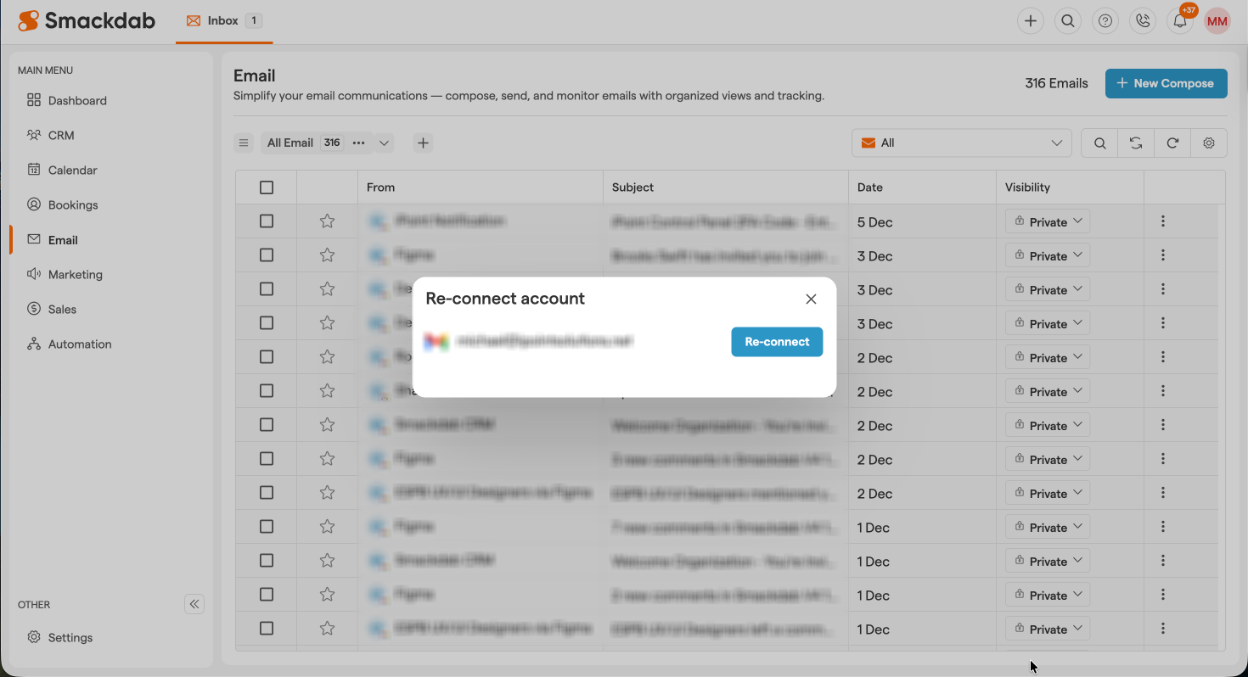
-
Reconnect Your Email
To send new emails, reply, forward, or perform other actions, click on the "Re-connect" button in the Re-connect account modal.