

Managing a company's details has never been easier!
With the Company Detail Page in Smackdab.ai, you have everything you need at your fingertips. From key company info to quick actions, tracking and managing business relationships is seamless and efficient.
Let’s explore how you can make the most of the Company Detail Page!
Instant Access to Key Company Information
No more searching for details! The Company Detail Page keeps everything in one place, so you can quickly view and update key information whenever needed.
To open the Company Detail page, simply navigate to CRM from the Main Menu, select Companies from the top menu bar, then click on the name of the company that you want to view.
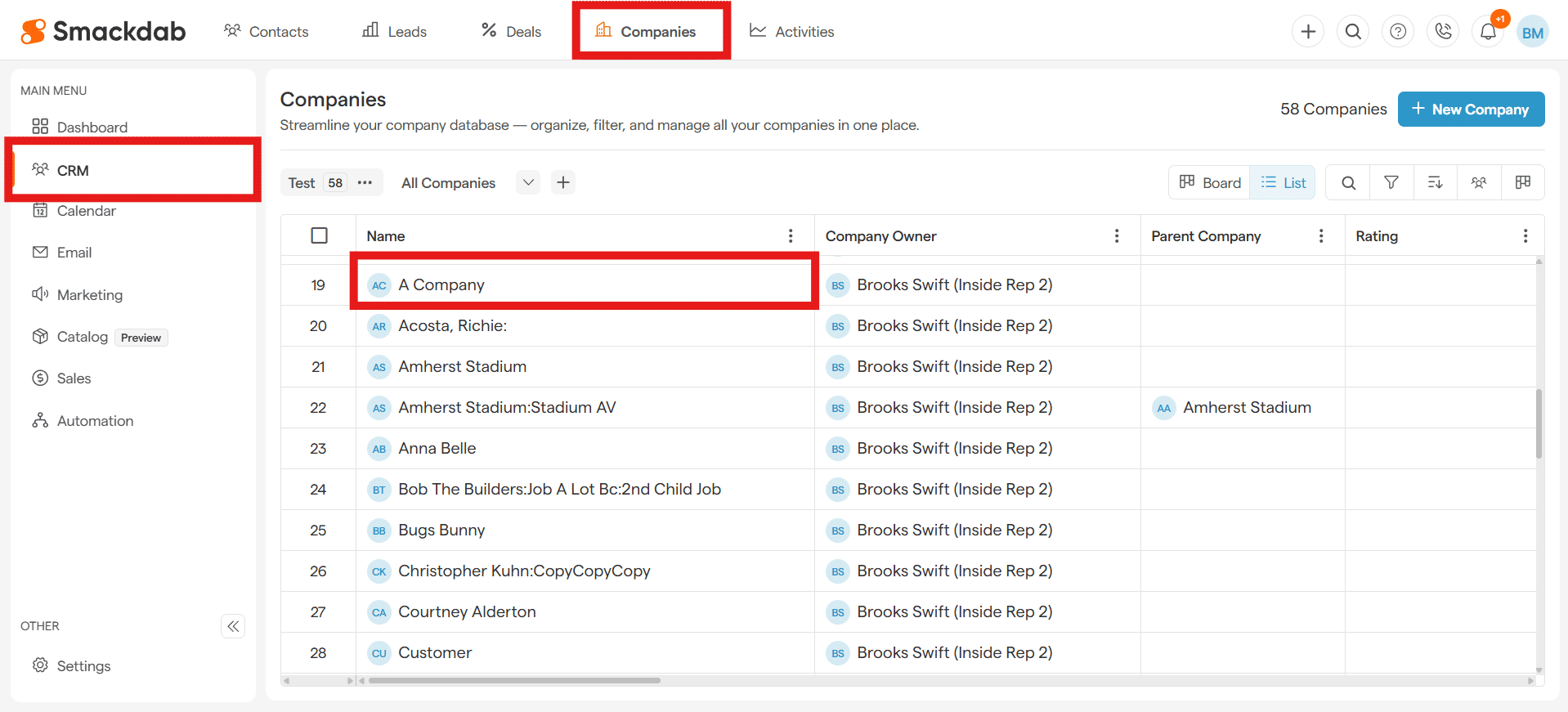
At the top of the page, you’ll find essential company details, including:
✔ Company Name
✔ Contact Information
✔ Tags
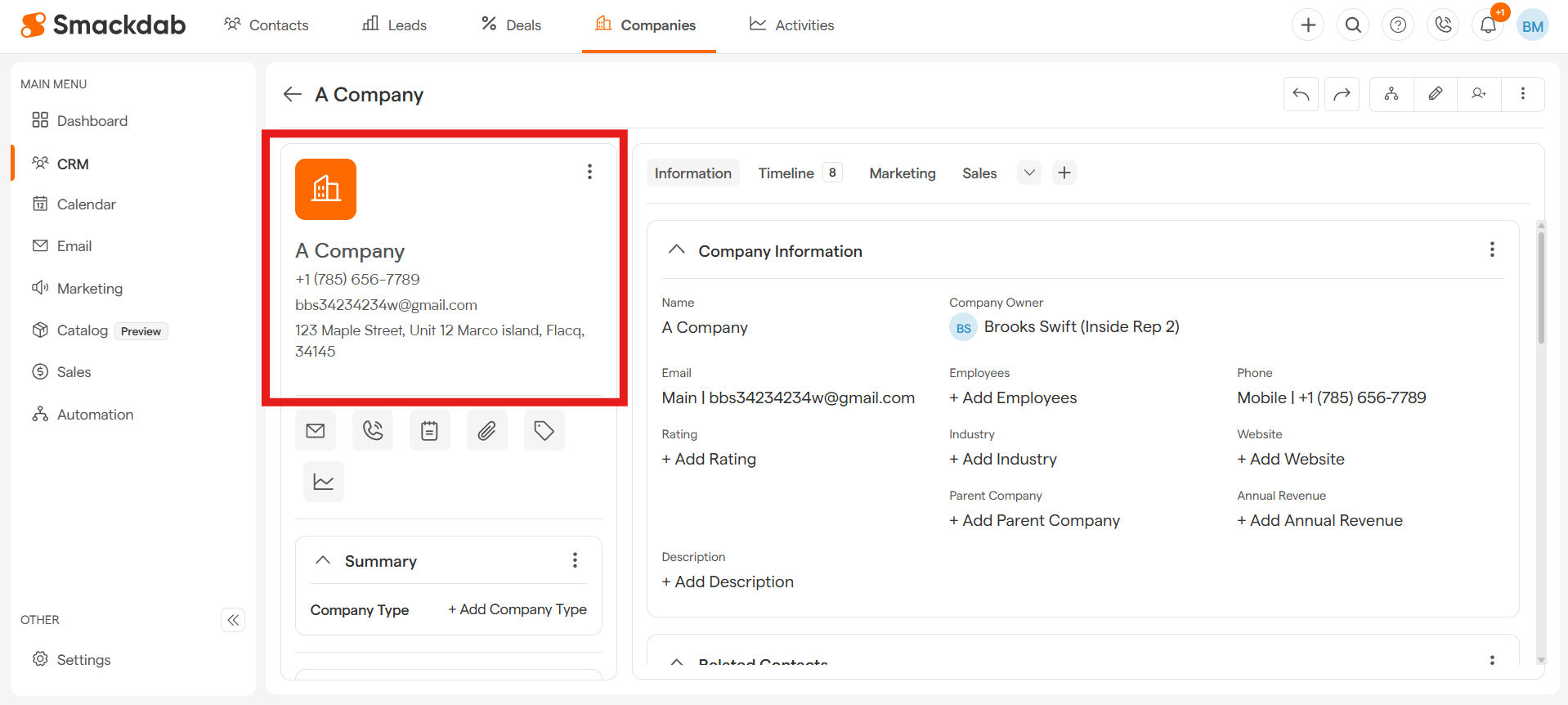
Need to make changes? Just hit the Edit button, and you can update any company details in seconds!
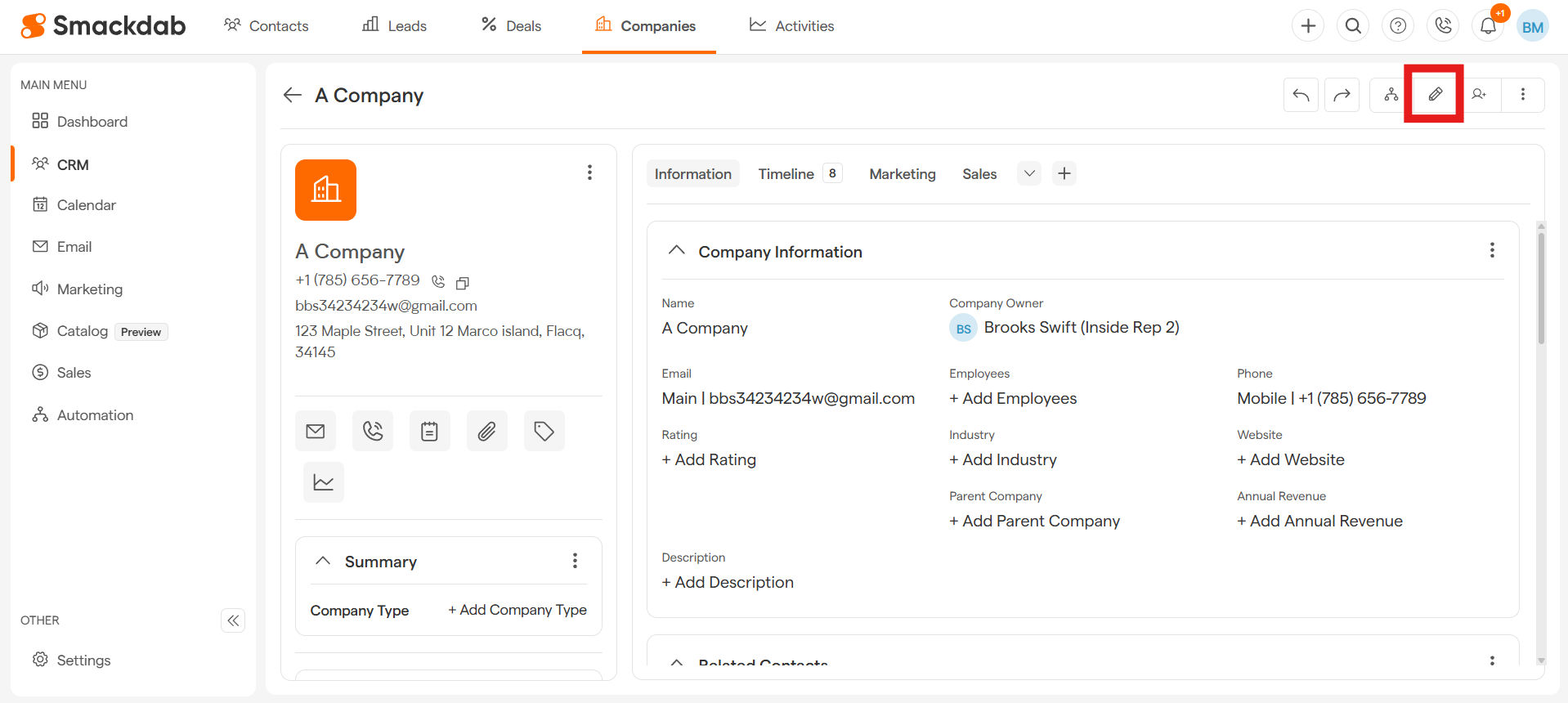
Track and Manage Company Activities Effortlessly
With Smackdab.ai, staying on top of company interactions is effortless. The Company Detail Page gives you a full history of all interactions, ensuring you never miss a beat!
Under the Timeline tab, you can:
✔ View emails, calls, notes, and meetings related to the company.
✔ Add new interactions directly from the Quick Action Toolbar.
✔ Keep track of tasks and follow-ups to stay organized.
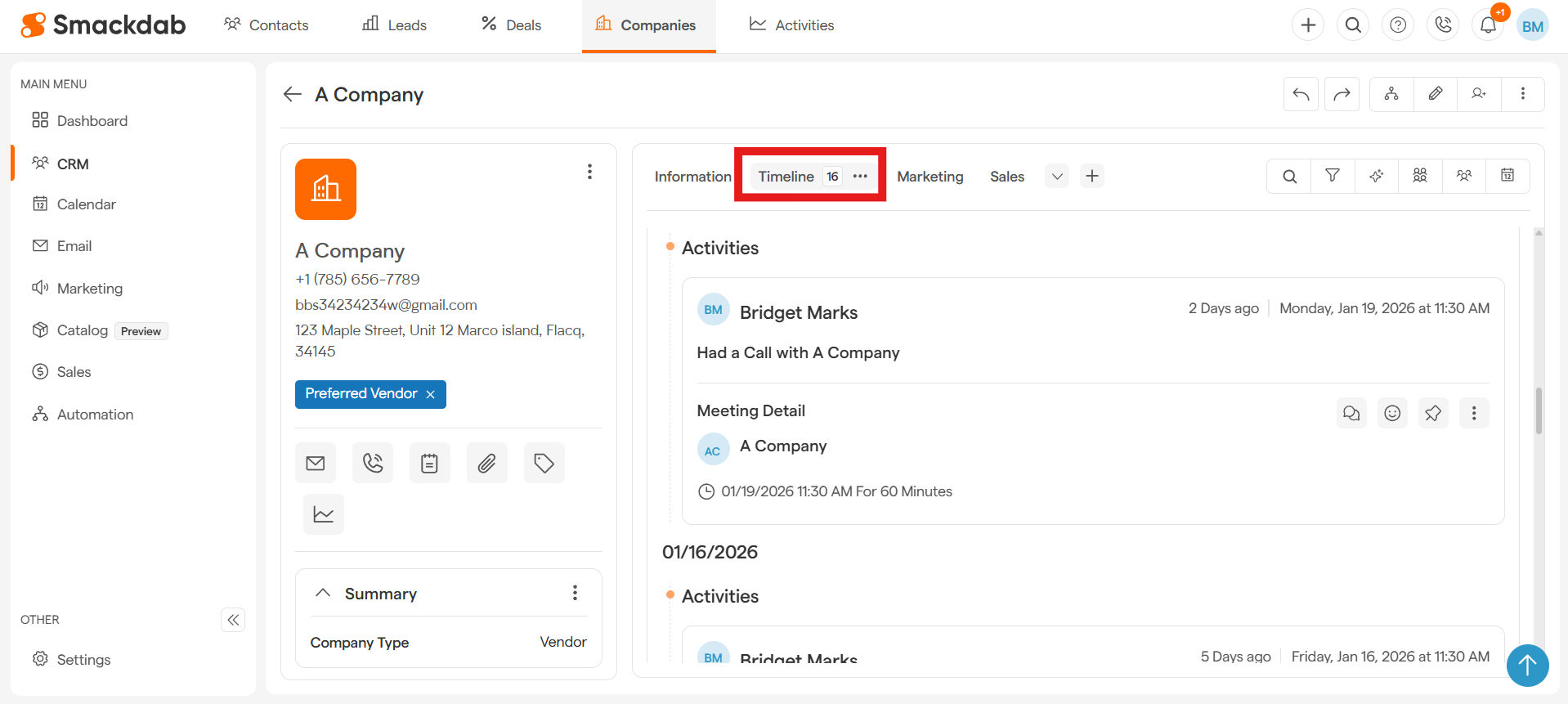
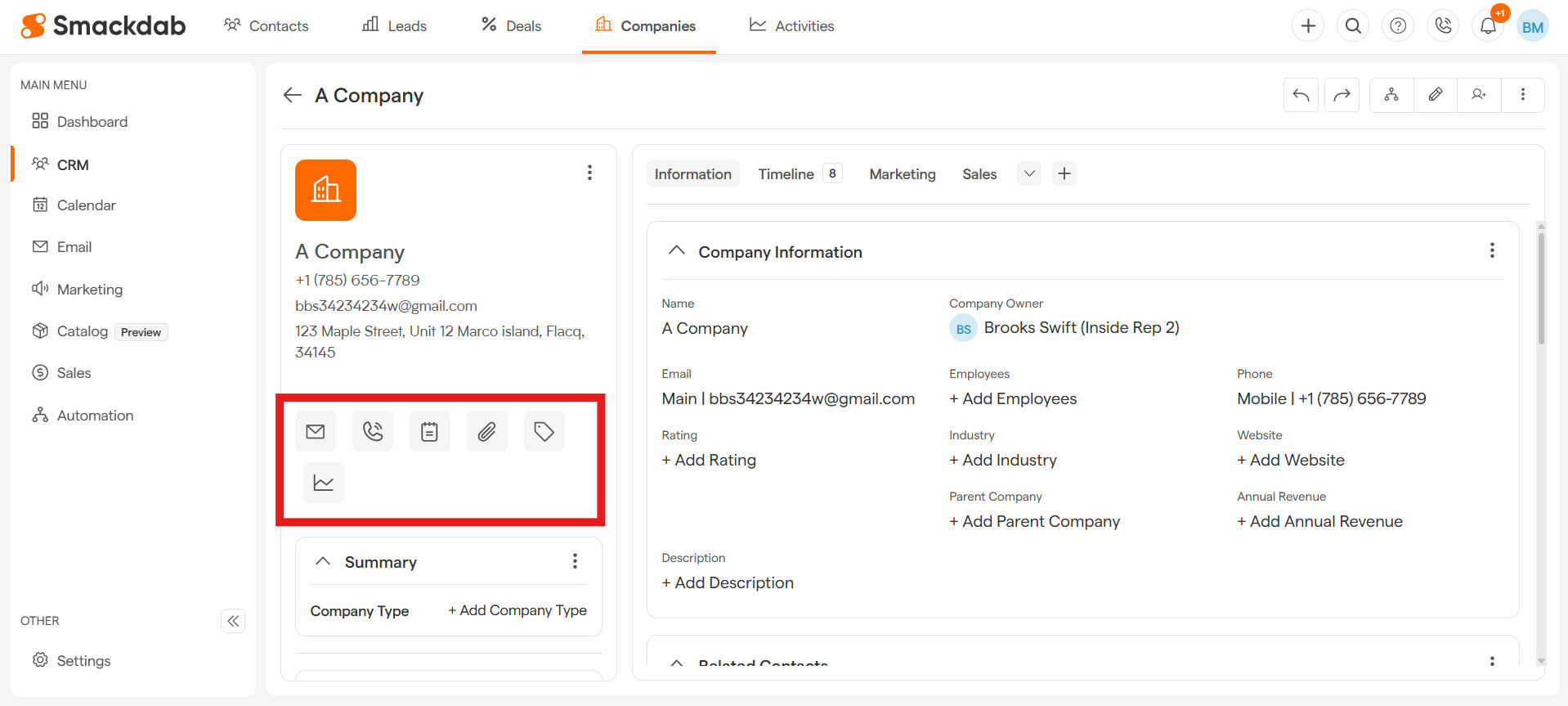
Quick Actions – Everything at Your Fingertips
Smackdab.ai is all about saving time and reducing extra clicks. That’s why the Company Detail Page comes with a Quick Action Toolbar, allowing you to:
✔ Send emails
✔ Make calls
✔ Add notes
✔ Upload documents
✔ Create activities
Best part? It’s fully customizable! Add, remove, or modify tools to match your workflow and maximize efficiency.
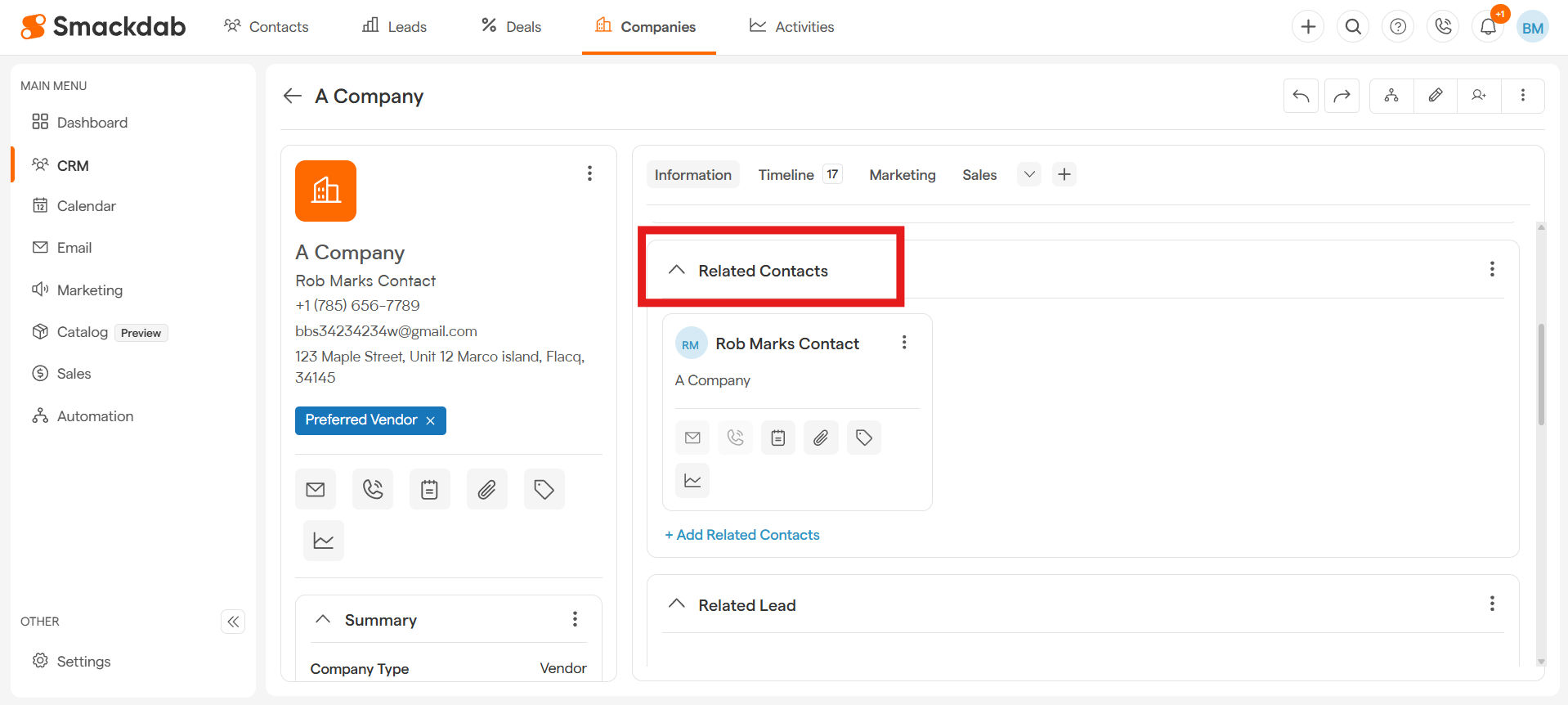
The Related Contacts and Deals section under the Information tab keeps everything connected, ensuring you have complete visibility into your business relationships.
✔ Need to check or edit a contact's details? Click the three dot menu to view or edit the Contact Detail Page.
✔ Easily navigate between associated deals, ensuring a smooth workflow.
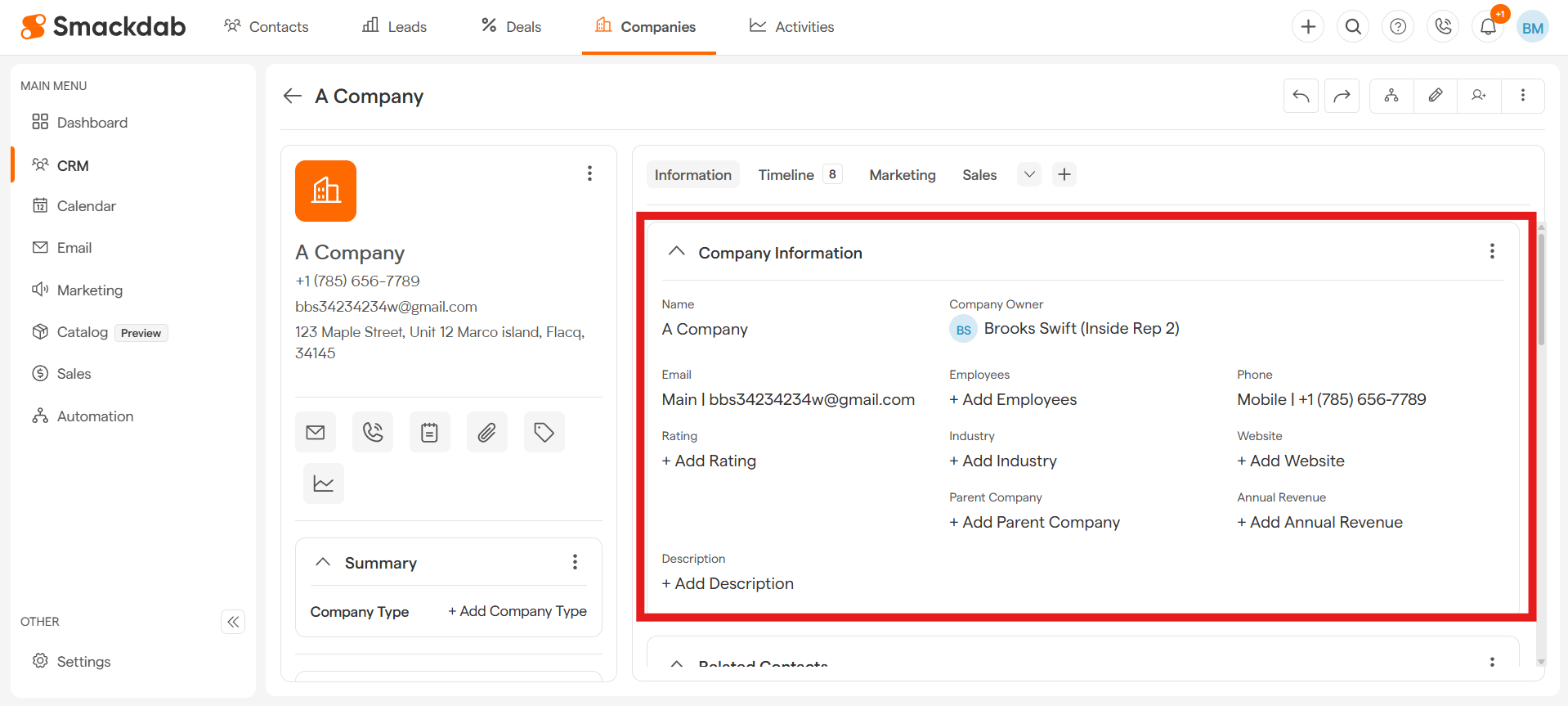
Company Information
The Company Information section gives you a quick snapshot of all essential details in one place—no extra clicks needed! Instantly view key company data, including:
✔ Company Name
✔ Industry & Ownership
✔ Company Owner
✔ Phone Number & Email
✔ Website & Social Links
✔ Annual Revenue
✔ Rating
✔ Number of Employees
Need to update any details? No problem! Simply click on the field you want to edit and make your changes, they will be automatically saved!
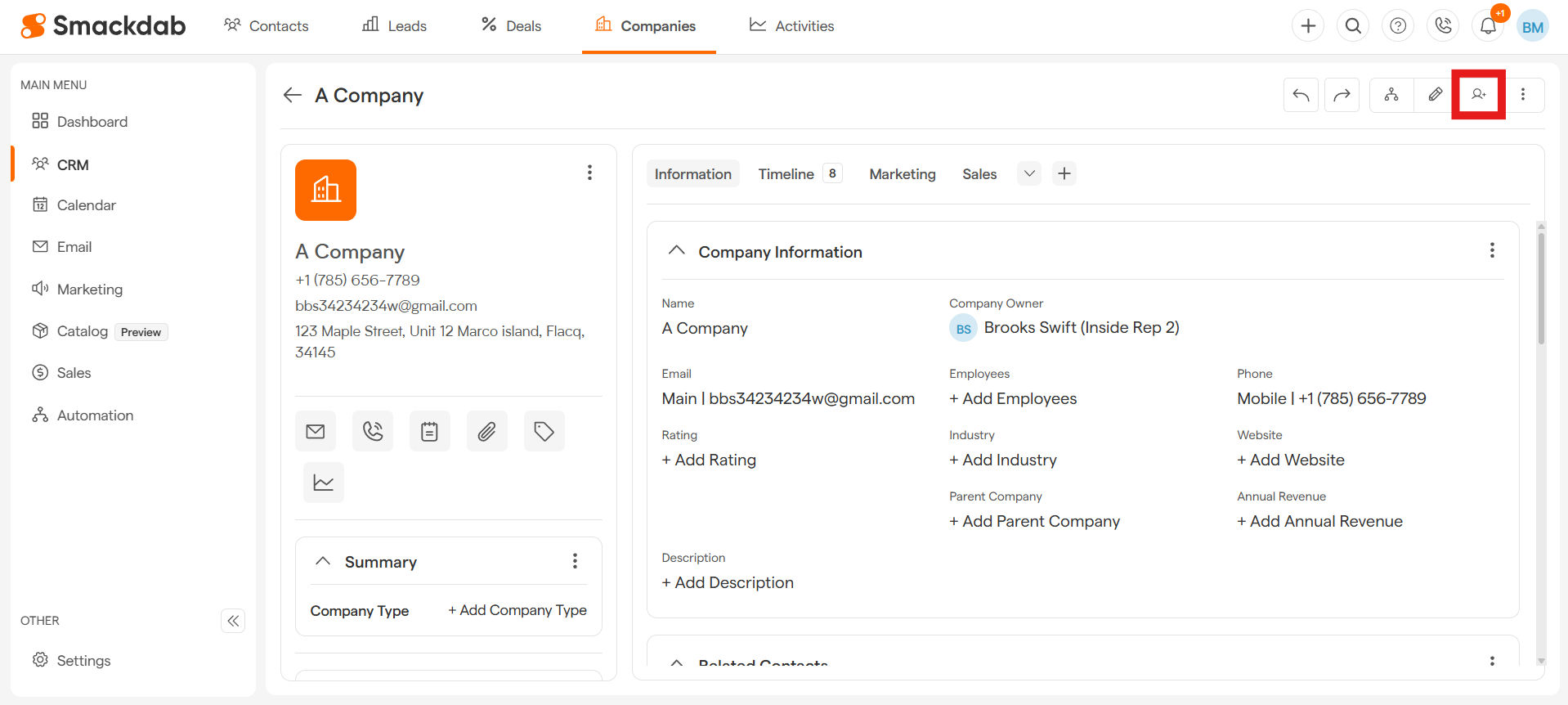
Follow a Company for Real-Time Updates
Want to stay informed about any changes?
Hit the Follow button, then select Add me, to receive instant notifications whenever there’s an update—whether it’s a new deal, an email, or any other key detail!
Need to stop receiving updates? Just click Following, then select Remove me, and you’re all set!
Keep Your Company List Organized
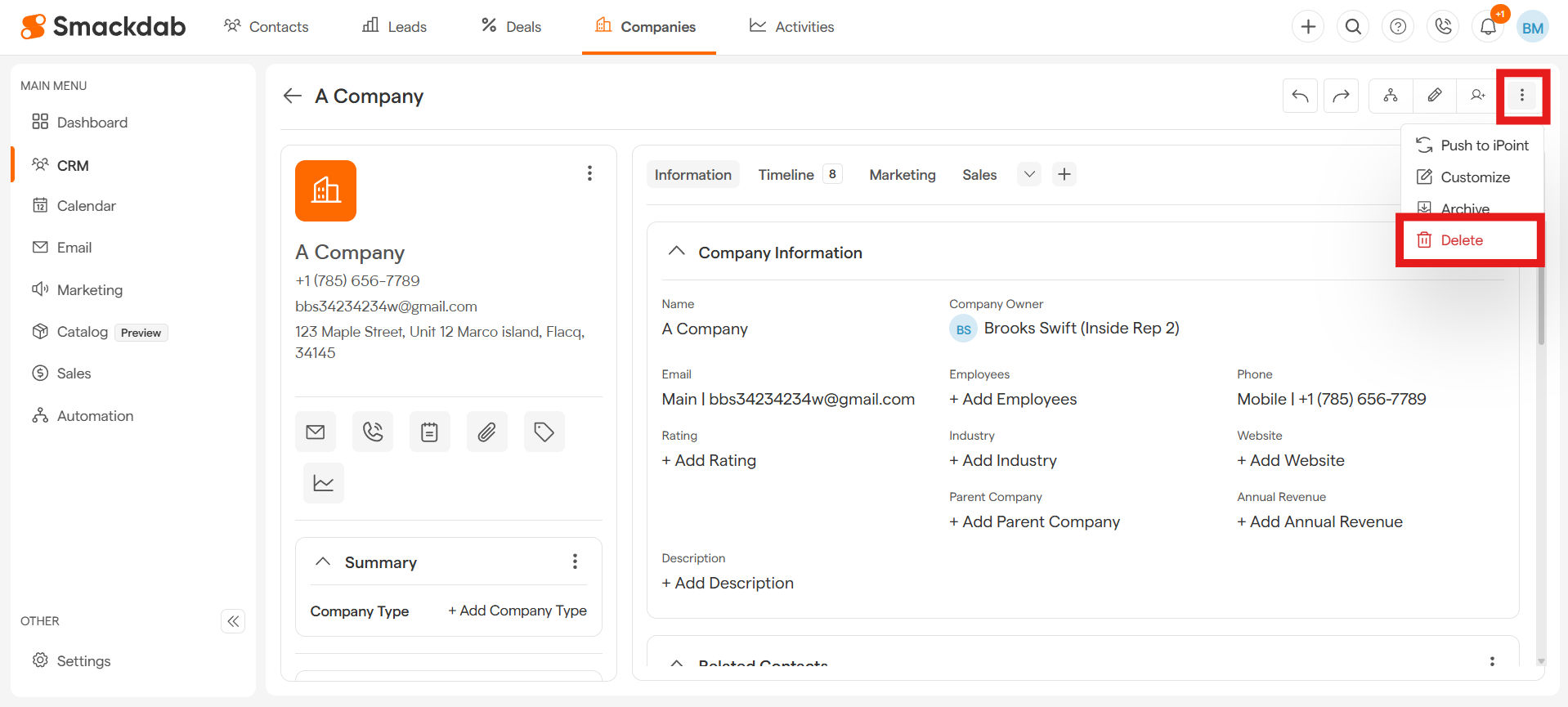
Need to remove a company? No worries! You can delete a company in just a few clicks, keeping your list clean and up to date.
Simply click on the three dot menu, select Delete, and confirm your action.
The Company Detail Page brings everything together—quick access to important details, seamless updates, and powerful insights to help you manage business relationships effectively.
With Smackdab.ai, keeping track of your companies has never been easier!